
InHandPlus Vibe-Watch · Teaching
Teach your robot
from your wrist.
Show it what you mean. When the robot isn't sure, your watch asks — one tap, and it remembers. No retraining. Tested on MicroDuck and a robot arm, in simulation.
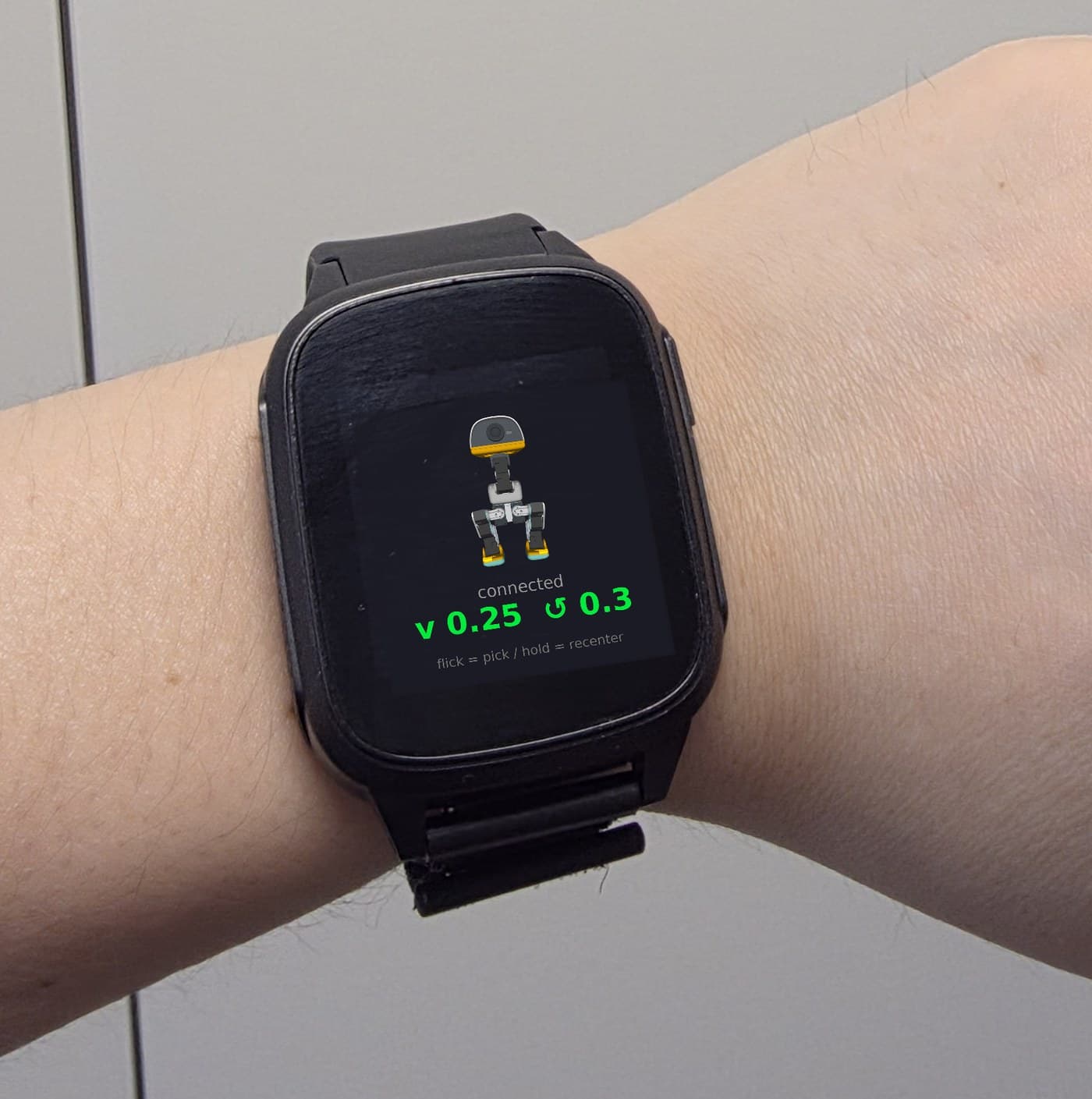 the watch itself — real hardware
For MicroDuck owners and robot teams. We reply within 48 hours.
Robots shown in simulation — the watch is real hardware. No payment until it's verified on real hardware.
Not affiliated with Hugging Face / Pollen Robotics.
InHandPlus The hardware
Meet the watch
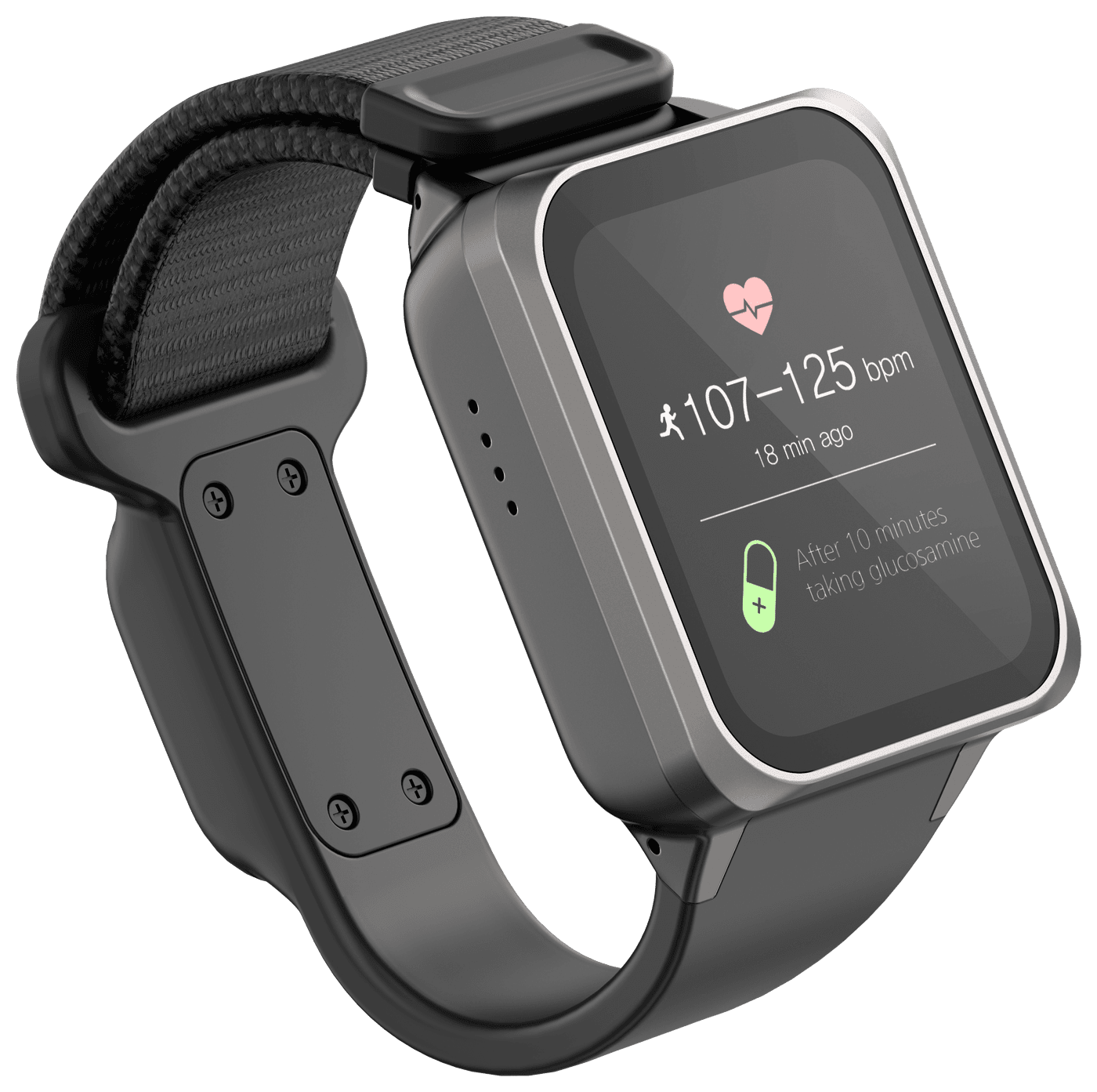
Vibe-Watch
An Android smartwatch with a wrist camera and motion sensing — the same hardware line our data business runs on, now pointed at robots. The camera on the strap sees your hand and the object from the side a robot's wrist camera does.
- OS
- Android-based
- Connectivity
- Wi-Fi + Bluetooth LE
- Motion
- 3-axis accelerometer — the gesture engine runs on-device
- Camera
- Wrist-view camera on the strap
- Talks to
- MicroDuck's open JSON-RPC API · other robots through the Teach SDK
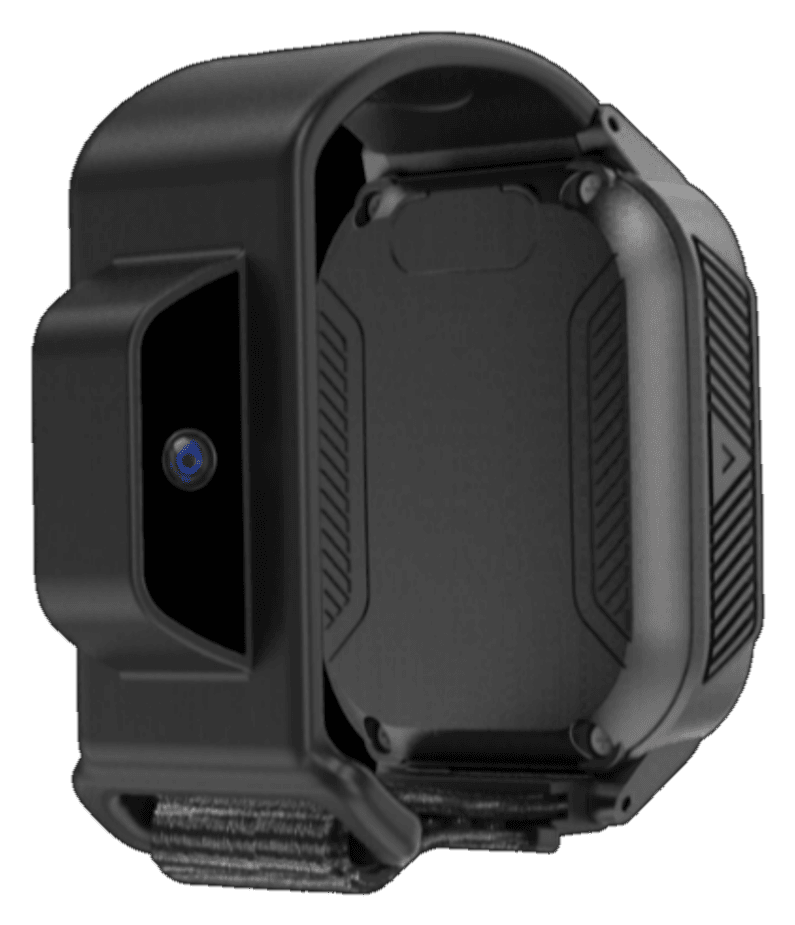
That lens on the strap module is the wrist camera — aimed down the hand, at whatever you pick up. It's a working device we've shipped to hospitals and welfare centres, not a concept.
The robots in the films are simulation. The watch is not.
Built by InHandPlus, the wrist-view data company. The same hardware line records wrist-view manipulation data for robot learning →
InHandPlus How teaching works
It asks. It remembers. No retraining.
Robots rarely fail loudly — they pick the wrong thing and carry on. Vibe-Watch puts a person back in the loop at exactly that moment, from the wrist, without stopping what your hands are doing.
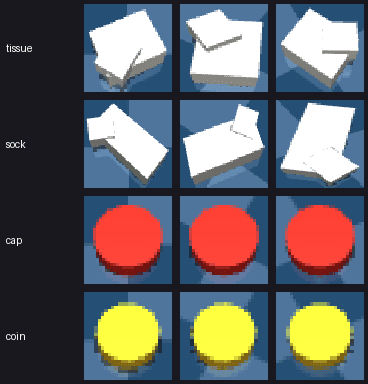 in simulation
1
Show it
Pick the thing up wearing Vibe-Watch. A few wrist-camera frames become a small memory file — kilobytes, not a model.
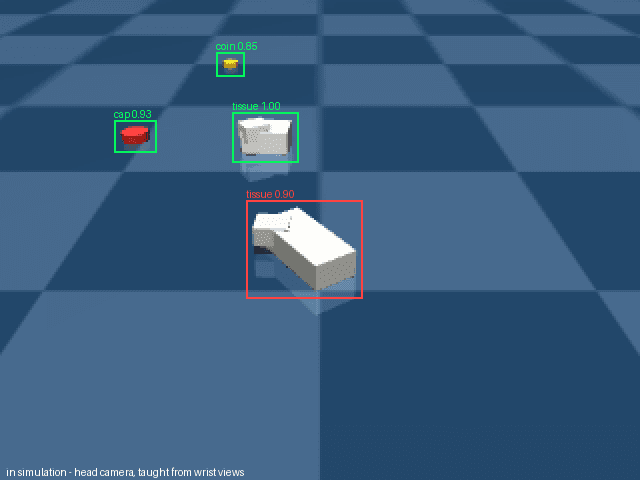 in simulation
2
It asks when it isn't sure
When two things look alike, the watch buzzes and shows what the robot sees. One tap answers.
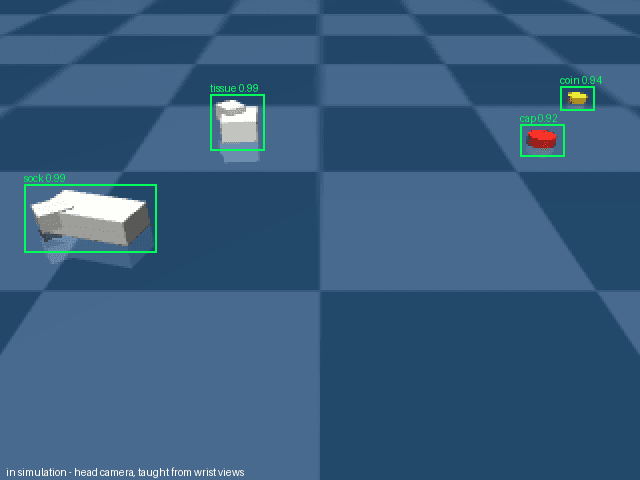 in simulation
3
It remembers
Your answer is kept. Next run it goes straight for the right one — and the log exports as a LeRobot dataset.
InHandPlus Results — in simulation
Same watch, same memory, two very different robots
MicroDuck
Two legs and a beak · official open-source simulator
Robot arm
Franka arm with a wrist camera · LIBERO benchmark
On top of a robot foundation model
Open π0.5 checkpoint, 20 paired runs. The model already does 98% on this benchmark when the instruction is exact — ambiguity is what breaks it, and that is what the wrist resolves.
All results in simulation (MuJoCo; LIBERO benchmark; open π0.5 checkpoint). Object locations were provided by the simulator — on a real robot a segmentation model does that job. Method notes on request.
InHandPlus Buy
The Vibe-Watch Kit
One kit, whether it's a MicroDuck on your desk or an arm in your lab.
What's in it
- ✓ Vibe-Watch with the teach app — as many as you need (KC · FCC)
- ✓ Teach software for the computer beside your robot — memory and the confirmation loop (Python SDK)
- ✓ Works with MicroDuck and LeRobot SO-100/101 first; other robots through an adapter
- ✓ Wrist gestures to drive MicroDuck — tilt, flick, drop
- ✓ Export what you teach as a LeRobot dataset
How buying works
- 1. Inquire — tell us your robot and what you'd use it for.
- 2. We reply within 48 hours with availability and terms.
- 3. No payment until it's verified on real hardware — for MicroDuck, that check is in December.
- Your robot's own controller stays in charge. Ships to Korea & US today; other regions confirmed first.
InHandPlus Also on MicroDuck
No controller. Just a wrist.
Before it fetches on its own, you can drive it. Three gestures, running on the watch itself.
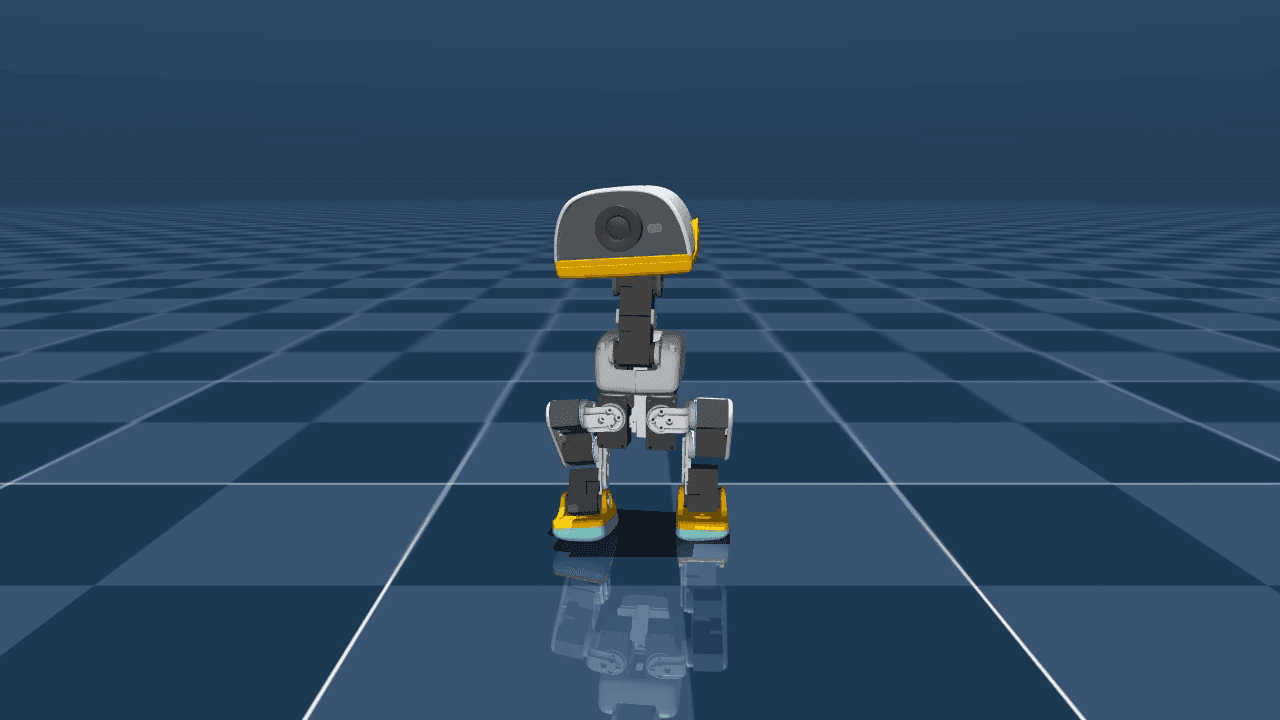 in simulation
Tilt to steer
Your wrist angle is the joystick. Lean in to walk, lean sideways to turn.
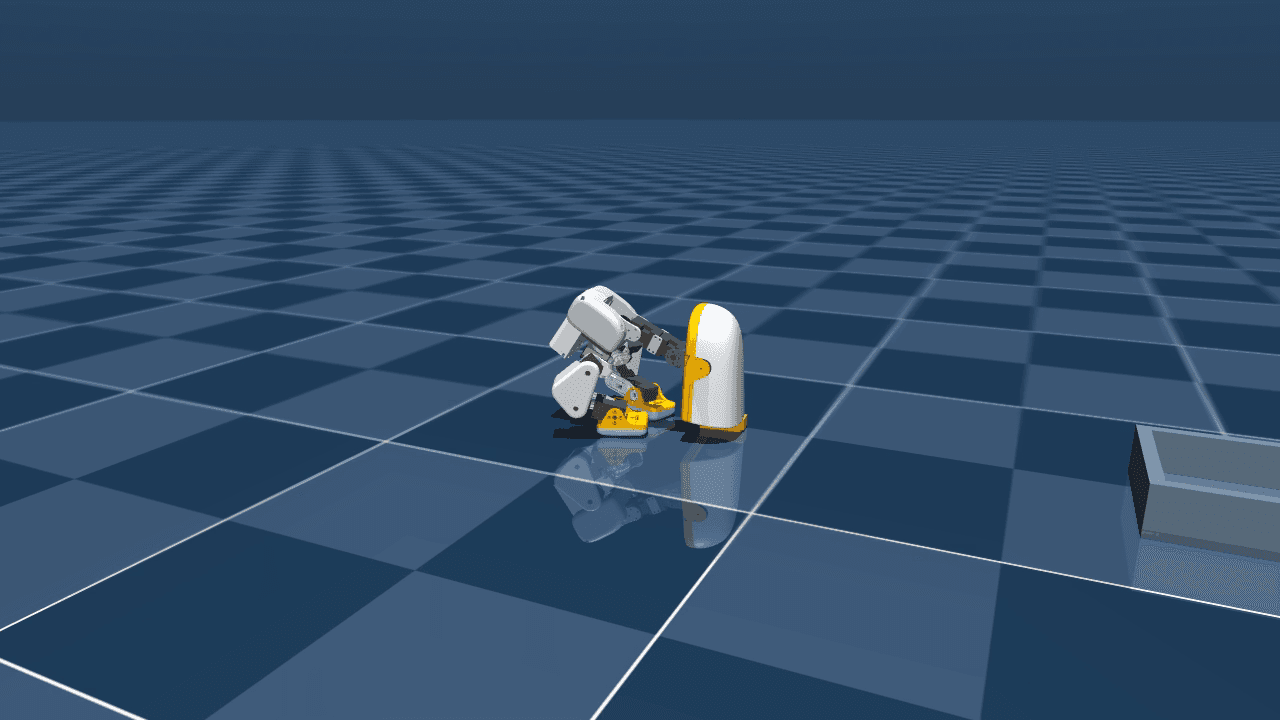 in simulation
Flick to pick
One snap of the wrist triggers the duck's ground pick.
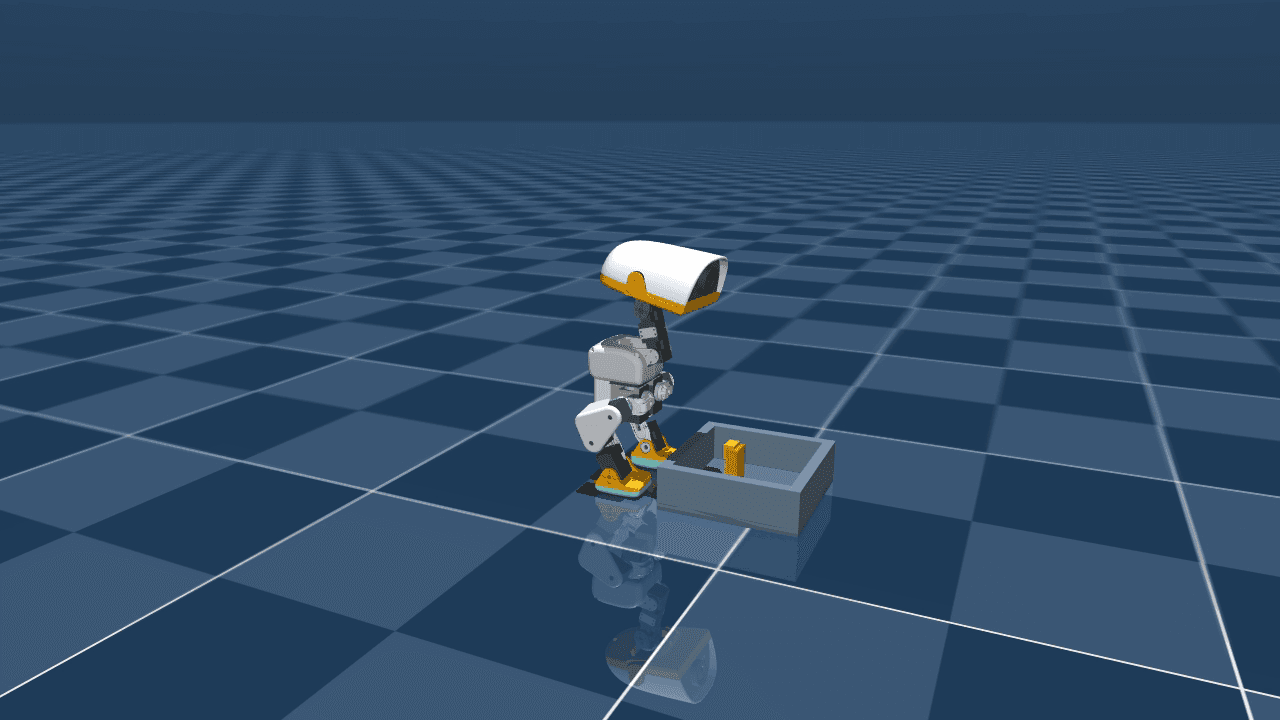 in simulation
Drop to stop
Lower your arm — the duck stands down. Raising it resumes. It talks to the duck through the open JSON-RPC interface the duck ships with.
InHandPlus FAQ
Fair questions
Does it work on a real robot yet?
The watch is real hardware today. The teaching results on this page are in simulation — on MicroDuck and on a Franka arm. Real-robot validation comes next: MicroDuck in December, and robot teams during their pilot. We'll publish those numbers as they are.
Which robots does it work with?
MicroDuck, through its open API. For robot teams we start with LeRobot SO-100/101 and add other arms through an adapter — tell us your setup when you inquire.
Do I have to retrain my robot's policy?
No. Vibe-Watch decides what and where, and asks you when it isn't sure. Your robot's own skills or policy decide how to move.
Is it safe?
Vibe-Watch never drives motors directly. It sends high-level commands through the robot's own interface, and the robot's controller and its limits stay in charge.
Who owns what I teach?
You do. The memory file and logs stay with you. Sharing them with us is opt-in.
When can I buy it, and is there a deposit?
We're taking purchase inquiries now. No payment or deposit is taken until it's verified on real hardware — for MicroDuck owners that check is in December.
Price?
It depends on the setup — how many watches, and which robot. Send an inquiry and we reply within 48 hours with terms.
Can you ship to my country?
Vibe-Watch is certified for Korea (KC) and the US (FCC). Other regions are confirmed before shipping — tell us where you are.
Is this official MicroDuck gear?
No — an independent accessory that speaks the duck's public, documented API. Not affiliated with Hugging Face or Pollen Robotics.
MicroDuck is a product of Pollen Robotics / Hugging Face. InHandPlus is not affiliated with either — Vibe-Watch is an independent accessory speaking the duck's public API.